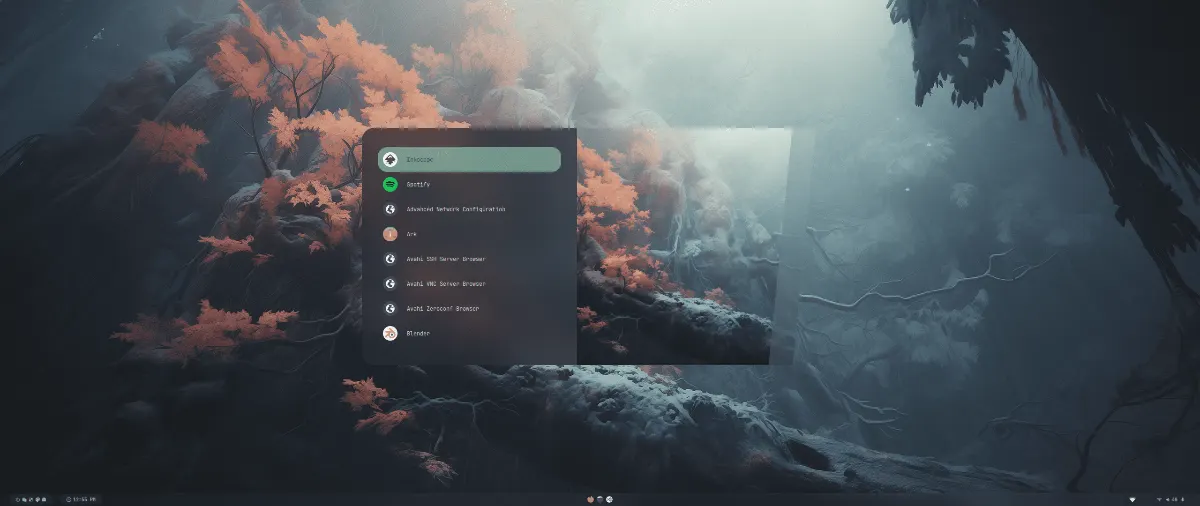
As software engineers, we spend years learning how to write modular, clean, and maintainable code. Yet, when it comes to our local development environments, we often tolerate the opposite. Many developers either stick to heavy, monolithic Desktop Environments (DEs) or spend weeks hacking together spaghetti-style "dotfiles" for a tiling window manager, only to have a single system update break the entire configuration.
After transitioning away from traditional graphical interfaces, I wanted an environment that was fast, visually minimal, and most importantly, maintainable.
This search led me to HyDE (formerly Hyprdots) running on CachyOS. Here is why this combination provides a uniquely powerful, production-grade workspace for developers.
What is HyDE?
At its core, HyDE is an aesthetic, modular, and XDG-compliant development environment built on top of Heads-Up Display paradigms and Hyprland (a modern, dynamic tiling Wayland compositor).
Many developers avoid tiling window managers because of the daunting "tinkering tax", the hours required to configure status bars, application launchers, notification daemons, and system inputs from scratch. HyDE solves this by providing sane, production-ready defaults out of the box while preserving the core Unix philosophy: everything remains modular and highly configurable.
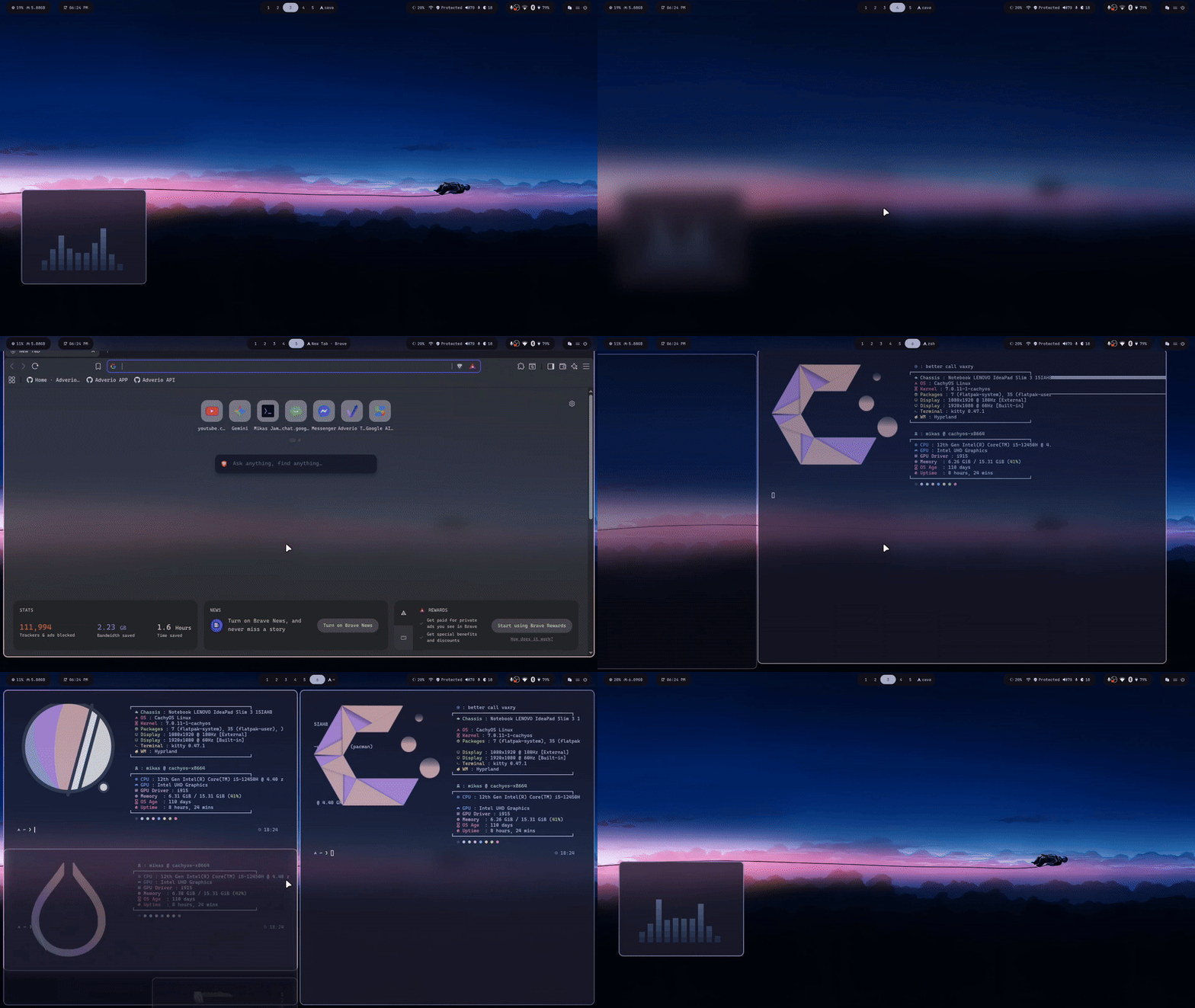
Why CachyOS + HyDE is a Performance Powerhouse
I choose to run HyDE on CachyOS, an Arch-based Linux distribution built from the ground up for speed. CachyOS provides several technical optimizations that complement a lightweight tiling window manager:
- x86_64-v3 & v4 Compiled Packages: Unlike standard Arch, CachyOS compiles its package repositories to take full advantage of modern CPU instruction sets (like AVX2 and AVX-512).
- Optimized Kernels: It utilizes custom kernels (like
linux-cachyos) featuring advanced CPU schedulers tuned for low latency and high responsiveness under heavy workloads.
When you pair CachyOS’s performance optimizations with Hyprland’s hardware-accelerated rendering and HyDE’s minimal footprint, the result is an incredibly fluid user interface with almost zero input lag.
The Engineering Behind HyDE: Modular Configs
One of the main issues with community "dotfiles" is that they clutter your home directory and make updates a nightmare. HyDE strictly adheres to the XDG Base Directory Specification. Your custom adjustments are kept separate from the system's core source code, meaning upstream updates won’t overwrite your personal overrides.
A perfect example of this modularity is how easily you can customize Waybar (the customizable status bar used in Hyprland).
Case Study: Adding a Custom NextDNS Status Widget
To demonstrate how clean HyDE's modular configuration structure is, here is how I integrated a custom NextDNS protection monitor directly into my status bar.
Normally, modifying a monolithic bar configuration requires editing a giant, fragile config file. With HyDE, we can define a standalone module and neatly inject it into our layout.
Step 1: Define the Custom Module
First, I created a dedicated module configuration file at ~/.config/waybar/modules/nextdns.jsonc. This script queries the NextDNS status on a 10-second interval, displays a shield icon (🛡️) with the status, and binds a left-click event to restart the service inside a Kitty terminal session if needed:
// ~/.config/waybar/modules/nextdns.jsonc
{
    "custom/nextdns": {
        "format": "🛡️ {}",
        "exec": "nextdns status | grep -q 'running' && echo 'Protected' || echo 'UNPROTECTED'",
        "interval": 10,
        "tooltip": true,
        "tooltip-format": "NextDNS Protection Status",
        "on-click": "kitty -e sudo nextdns restart",
        "return-type": ""
    }
}
Step 2: Inject the Module into the Layout
Next, rather than rewriting the entire bar layout, I simply added the new module key ("custom/nextdns") inside the rightmost visual "pill" in my Waybar layout file located at ~/.config/waybar/layouts:
// ~/.config/waybar/layouts
"group/pill#right1": {
    "modules": [
        "backlight",
        "network",
        "custom/nextdns", // <-- Injected right here
        "pulseaudio",
        "pulseaudio#microphone",
        "custom/updates"
    ],
    "orientation": "inherit"
}
The resulting UI integrates seamlessly, sitting cleanly within the native HyDE style guide:

If NextDNS is running, the bar displays 🛡️Protected. If the daemon stops, it warns me instantly. This level of extensibility takes less than five minutes to configure because of how cleanly the configuration files are partitioned.
Conclusion: Desktop Environments as Code
Operating systems are tools, and as software developers, our environment directly impacts our productivity and ergonomics.
HyDE on CachyOS offers the perfect balance. It eliminates the bloat of traditional desktop environments, delivers unparalleled performance, and treats desktop configuration with the same modular, clean standards we expect from high-quality software.
If you are looking for a desktop that respects your system resources, maximizes your screen real estate, and lets you build custom system-level integrations like this NextDNS widget, HyDE is worth the weekend installation project.
Are you currently running a desktop environment, or have you made the switch to a tiling window manager? If you’ve customized your Hyprland setup, HMU and let me know what your essential tools are.